Takedown my content.
A published file can come off the public pages without an account.
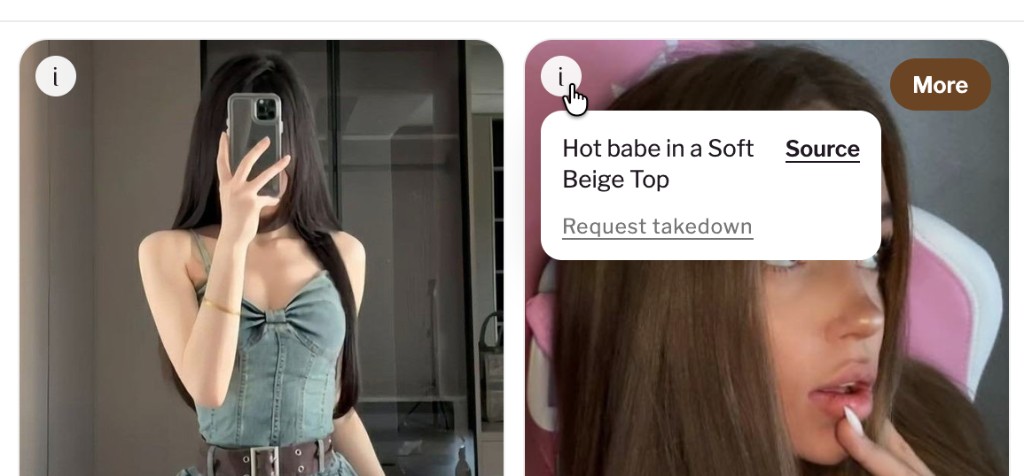
On the feed, press the white i at the top left of the picture. In the note that opens, press Request takedown.
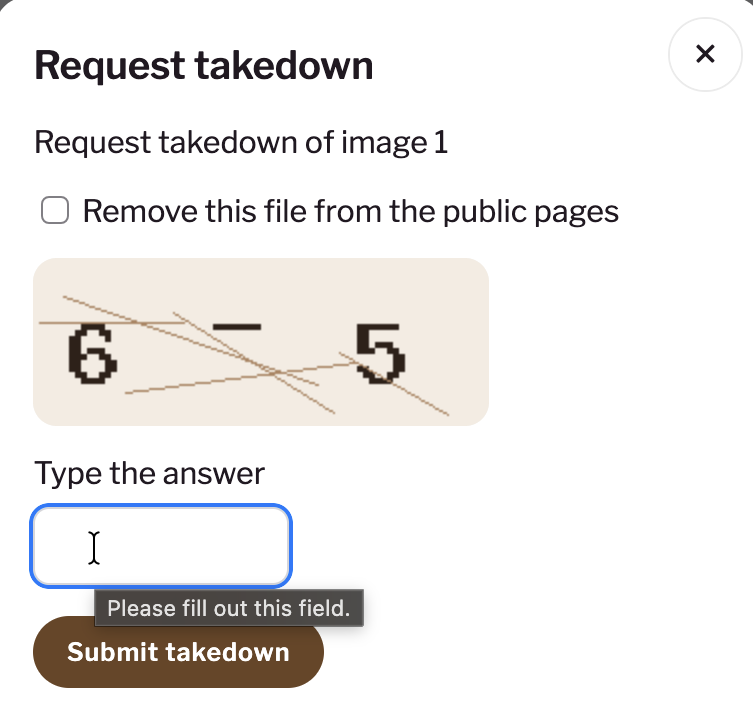
Check Remove this file from the public pages. Type the answer shown in the picture, then press Submit takedown. A look with more than one file lists each file on its own.
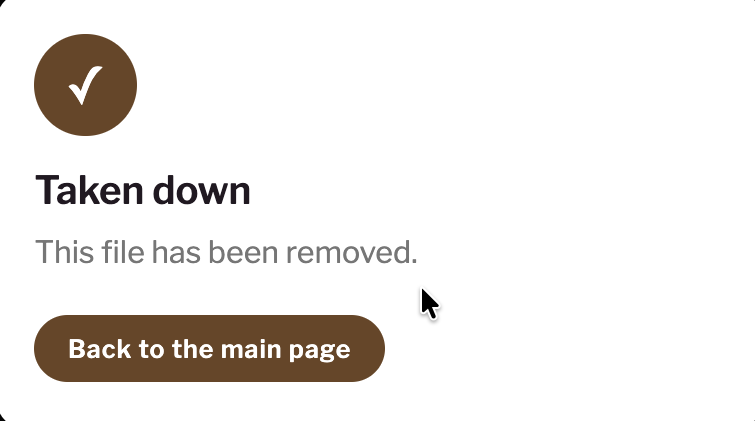
The next window says the file has been removed. Press Back to the main page to return to the feed.
A wrong answer leaves the file up. Six attempts from one address are allowed each hour. One accepted takedown removes that file from the pin board and the publication. The file will be removed from the website display.
A longer page on this request is How do I remove a picture of myself?. The other pages start at About us.